> ## Documentation Index
> Fetch the complete documentation index at: https://docs.tryarchitect.com/docs/llms.txt
> Use this file to discover all available pages before exploring further.
# Assets
> Guidance on which images and visual assets to upload to Architect
## What to add
### Product or core offering visuals (5+)
* Include clear, high-resolution visuals of the product, app interface, or main service.
* Focus on visuals that communicate value or demonstrate use cases.
* Ensure consistency in lighting, perspective, and color treatment for a cohesive look.
### Supporting visuals (3+)
* Add graphics, illustrations, or comparison visuals that help explain key concepts or features.
* Examples: side-by-side comparisons, process diagrams, or benefit breakdowns.
### Videos
* Upload product videos, demos, or short clips that show the product in action.
* Keep them consistent with your brand style (tone, color, pacing).
### Logos/awards
* Any logos of existing customers, suppliers, or awards.
* In your image description, specify what the logo is (customer, supplier, award, etc.).
## Where to upload images
In Architect, open **Assets** from the left sidebar.
Click **Upload Images** and add your files.
## Examples
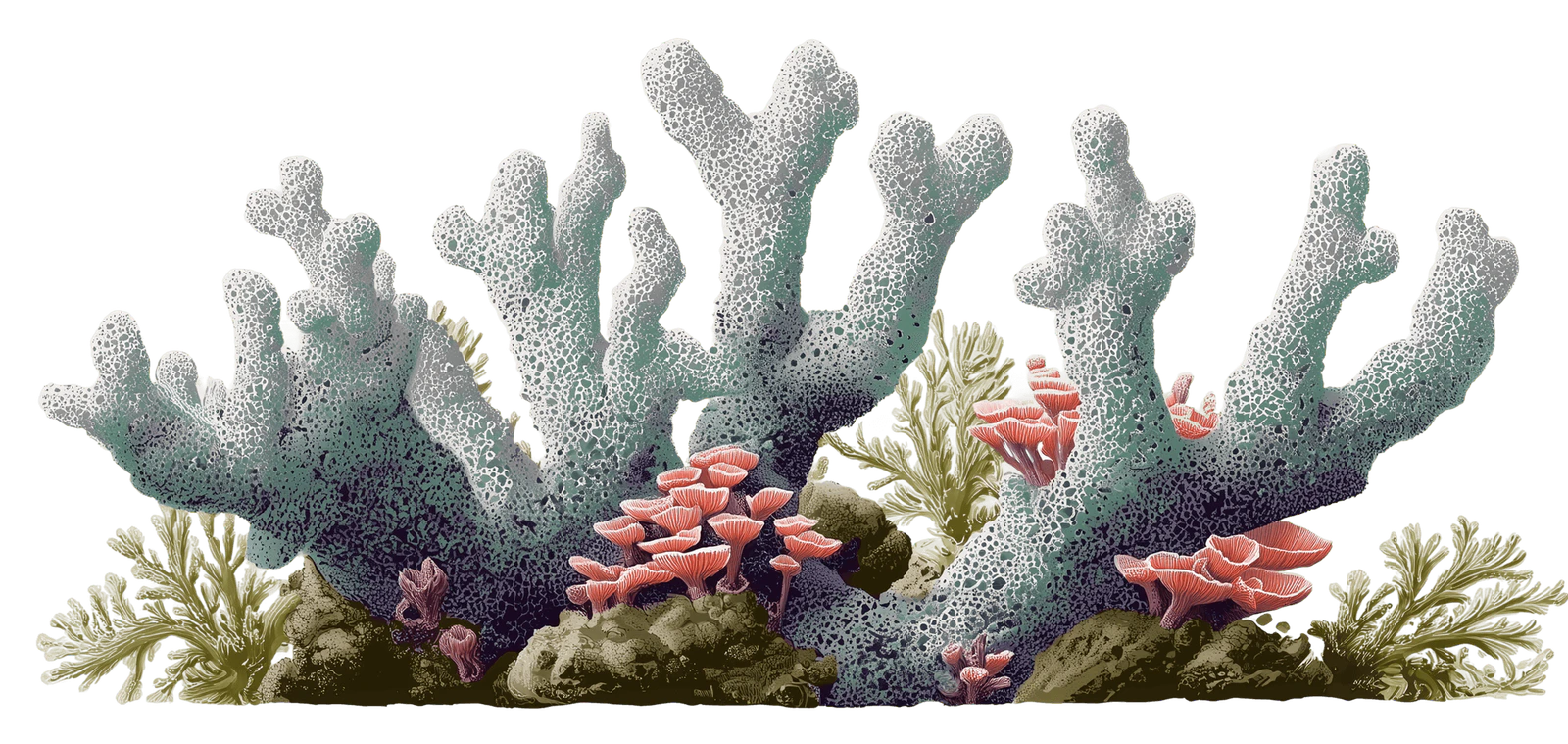
### Consistent imagery
Use a set of images with a consistent style (lighting, texture, tone) so your pages feel like one system.
 ### Consistent logo treatment
Add consistent logo variants so pages don't mix black, white, and full-color logos in the same section.
## Related topics
- [Create asset](/docs/api-reference/assets/create-asset.md)
- [Delete asset](/docs/api-reference/assets/delete-asset.md)
- [List assets](/docs/api-reference/assets/list-assets.md)
- [Restore asset](/docs/api-reference/assets/restore-asset.md)
- [Search assets](/docs/api-reference/assets/search-assets.md)
### Consistent logo treatment
Add consistent logo variants so pages don't mix black, white, and full-color logos in the same section.
## Related topics
- [Create asset](/docs/api-reference/assets/create-asset.md)
- [Delete asset](/docs/api-reference/assets/delete-asset.md)
- [List assets](/docs/api-reference/assets/list-assets.md)
- [Restore asset](/docs/api-reference/assets/restore-asset.md)
- [Search assets](/docs/api-reference/assets/search-assets.md)